Apply Kartu Kredit BCA - Get FIFA World Cup 2026™ Adidas Official Merchandise courtesy of Visa
Promo period has expired (20 May 2026 - 20 Jun 2026)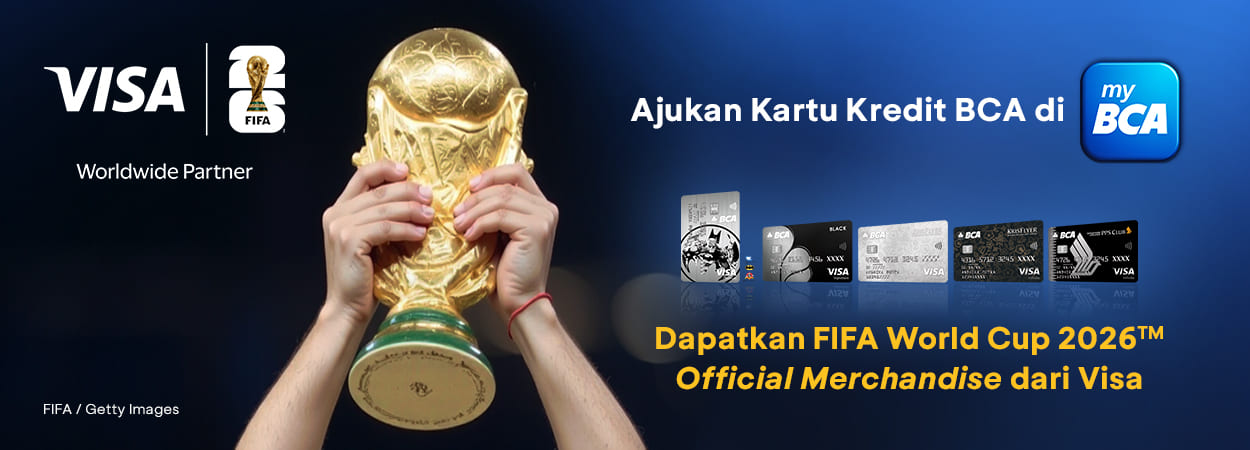
For Users
 Kartu Kredit BCA
Get FIFA World Cup 2026™ Adidas Official Merchandise courtesy of Visa
Terms & Conditions:
- Apply BCA Visa Batman, BCA Visa Black, or BCA Singapore Airlines KrisFlyer Visa Signature Credit Card on myBCA and get FIFA World Cup 2026™ Adidas Official Merchandise, courtesy of Visa:
|
Merchandise Type |
Terms & Conditions |
Capacity |
|
FIFA World Cup 2026™ Adidas Official Merchandise (Jersey*) |
Approved card & minimum transaction of IDR10 million during the promo period (20 May – 20 June 2026) |
174 customers |
|
FIFA World Cup 2026™ Adidas Official Merchandise (Tumbler or Cap*) |
Approved card & minimum transaction of IDR3 million during the promo period (20 May – 20 June 2026) |
26 customers |
* Ukuran dan jenis hadiah FIFA World Cup 2026™ Adidas Official Merchandise akan diberikan secara acak dan tidak dapat ditukar
- This program is only valid for BCA customers who apply for a new BCA Visa Batman, BCA Visa Black, or BCA Singapore Airlines KrisFlyer Visa Signature Credit Cards through myBCA (only valid for customers who have never had a BCA credit card)
- FIFA World Cup 2026™ Adidas Official Merchandise is awarded for customers to all customers whose transactions meet the applicable requirement during the promo period. This program does not involve any lottery, selection, or competition
- Winners will be notified via WhatsApp from the official Bank BCA account. Customers must ensure that their mobile number can receive WhatsApp messages sent by BCA. BCA is not responsible for any failure to receive WhatsApp messages that are not due to BCA's error
- Prizes will be sent to the customer's address registered at the time of the BCA credit card application. Customers must ensure that the address registered during the application matches their current domicile. BCA is not responsible for any delivery failures that occur through no fault of BCA
- Update your account data in myBCA:
- Go to the Settings menu
- Select Personal Information, then select Credit Card Data
- Choose your Credit Card Customer Number
- Choose Address Data, Email Data, or Phone Number Data
- Then follow the next steps to update your BCA Credit Card information
Don't have a BCA Credit Card yet? Apply now!
Apply Credit Card via myBCA